Mastering 60 FPS Remote Desktop on macOS (Apple Silicon Metal), Linux & SteamOS
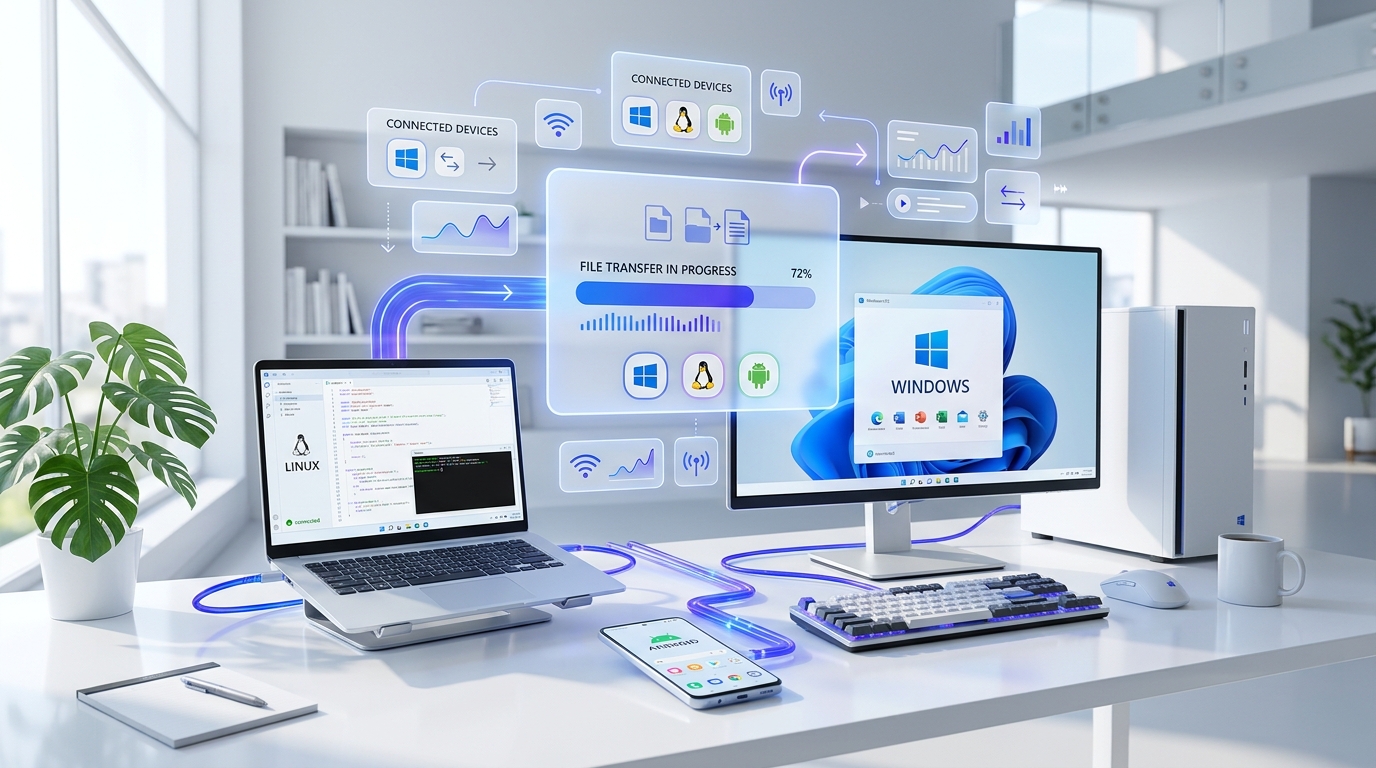
Cross-platform remote desktop has historically treated macOS and Linux as second-class citizens—wrapping sluggish VNC framebuffers inside heavy Electron shells that drain MacBook batteries and break across Linux distributions.
SimpleViewer 2.3 was engineered from the ground up with native OS capture pipelines across Windows 10/11, macOS (Apple Silicon arm64 & Intel x64), Linux 64-bit, and Android.
1. macOS Apple Silicon (M1 / M2 / M3 / M4): Native Metal GPU Pipeline
Running an Intel-translated remote desktop client through Rosetta 2 introduces frame jitter and high thermal draw. SimpleViewer provides a dedicated SimpleViewer-macos-arm64 binary that leverages Apple's Metal GPU acceleration and ScreenCaptureKit / CoreGraphics for sub-12ms frame encoding.
# One-line Terminal installer for macOS (auto-creates SimpleViewer.app on Desktop):
curl -sL https://simpleviewer.app/download-macos | bash
2. Linux 64-Bit: One Self-Contained Binary Across Distros
Linux users on r/linuxquestions and r/linux4noobs frequently struggle with broken .deb / .rpm dependencies when connecting between Ubuntu, Debian, Fedora, Arch, Zorin OS, Kubuntu, or SteamOS (Steam Deck). SimpleViewer ships as a single self-contained SimpleViewer-linux-x64 executable (~24 MB) that includes both the Viewer and Unattended Host engine:
# Run immediately on Ubuntu, Debian, Fedora, Arch, Zorin, or SteamOS:
chmod +x SimpleViewer-linux-x64 && ./SimpleViewer-linux-x64
3. Multi-Monitor 60 FPS Switching & WASAPI Audio Loopback
- Instant Display Switching & Adaptive Bitrate: Switch seamlessly between dual or triple 4K monitors from the session toolbar, or toggle between Speed (1.5 Mbps low-bandwidth), Balanced, and HighQuality 4K (10+ Mbps) presets in real time.
- Zero-Latency WASAPI System Audio: On Windows hosts, SimpleViewer captures digital audio directly from the WASAPI loopback buffer, streaming crystal-clear system sound for video editing, DAW monitoring, or remote presentations without virtual audio cable drivers.
- Android Touch-to-Mouse Control: Monitor long builds, restart services, or control multi-monitor desktops from your smartphone or tablet using
SimpleViewer.apk(Android 8.0+ / 11+ recommended).
Frequently Asked Questions
Does SimpleViewer run natively on Apple Silicon M1, M2, M3, and M4 Macs?
Can I control a Windows or Linux PC from an Android phone or Steam Deck?
Related Engineering Articles
AnyDesk 999-Second Wait Timer & "Commercial Use Detected" in 2026: Why Users Are Switching
Frustrated by AnyDesk forcing a 999-second (17-minute) countdown before you can connect to your own home PC? Here is why it happens in 2026 and how to get instant 1.2s connections with zero cooldown timers.
TeamViewer "Commercial Use Suspected" 60-Second Block in 2026: Top 5 Free Alternatives
Tired of 60-second "Commercial use suspected" disconnects, PDF reset forms, and €300+/yr auto-renewal traps? We compare the top 5 remote desktop alternatives in 2026 for personal and IT helpdesk use.
SimpleViewer vs. RustDesk in 2026: 60 FPS Remote Desktop Without Managing a Docker VPS
RustDesk is great if you want to maintain your own Docker VPS and firewall rules. Here is why engineers and IT teams who just want instant, encrypted 60 FPS remote access out of the box choose SimpleViewer.